LiteLLM Passthrough
LiteLLM passthrough lets Relayna Gateway sit in front of LiteLLM as the single public ingress while keeping Relayna identity, policy, usage, and credential ownership for governed traffic. Clients normally authenticate to Gateway with Relayna credentials. Gateway then strips client credentials and injects the internal LiteLLM credential selected by operator configuration.
This page covers the 0.1.26 behavior.
Request Model
Gateway-managed traffic never treats a LiteLLM master key or LiteLLM virtual key as a Relayna client credential. Those keys are upstream credentials managed by Gateway.
Client request contracts:
| Gateway auth mode | Client headers |
|---|---|
| Entra disabled | Authorization: Bearer <Relayna rk_live_... key> |
| Entra enabled | Authorization: Bearer <Entra JWT> and X-Relayna-Key: <Relayna rk_live_... key> unless the Relayna key header has been renamed. |
| Trusted Apigee mode | Signed Apigee identity headers plus the configured Relayna key header. |
Canonical routes set to direct_litellm_passthrough have one intentional
exception: a non-Relayna Authorization: Bearer ... credential is treated as a
LiteLLM credential and translated to the configured upstream LiteLLM header.
Relayna rk_live_... bearer keys are not consumed as LiteLLM credentials; they
continue through the Relayna-authenticated direct passthrough path.
Gateway strips the following before forwarding to LiteLLM:
Authorization- the configured Relayna key header
X-Relayna-Key- legacy
X-AIH-API-Key - Entra/Apigee identity proof headers
Proxy-AuthorizationX-API-Key- client-supplied LiteLLM credential headers
- worker-token headers
Gateway then injects the resolved LiteLLM credential using the active LiteLLM provider's header mode and value format:
Authorization: Bearer <resolved LiteLLM credential>
or:
x-litellm-api-key: <resolved LiteLLM credential>
x-litellm-key: Bearer <resolved LiteLLM credential>
The header name is configurable on the LiteLLM provider row and must pass
Gateway's sensitive-header validation. For custom headers, the
credential_header_value_format setting controls whether Gateway sends the raw
credential value or a bearer-prefixed value. The default is raw to preserve
existing deployments. Set it to bearer for LiteLLM deployments that require a
custom header such as x-litellm-key: Bearer <key>.
Credential Resolution
Gateway resolves LiteLLM credentials in this order:
- Enabled LiteLLM mapping for the authenticated Relayna key.
- Enabled LiteLLM mapping for the authenticated key's project.
- Active LiteLLM provider default credential from
provider_configs. LITELLM_SERVICE_KEYstartup fallback.
All LiteLLM credential values are write-only. Admin API responses, audit snapshots, frontend state, logs, and test reports must show only configured or missing state, never the raw credential.
Route Precedence
When a request reaches the proxy listener, routing is evaluated in this order:
- Relayna service/control/operational routes, where applicable.
- Registered service routes such as
/services/<service-name>/*. - Canonical OpenAI-compatible routes:
POST /v1/chat/completionsPOST /v1/responsesPOST /v1/embeddings- Canonical Anthropic-compatible routes:
POST /v1/messagesPOST /v1/messages/count_tokensGETandPOST /v1/messages/batchesGET /v1/messages/batches/*GET /v1/messages/batches/*/resultsPOST /v1/messages/batches/*/cancelGET /v1/models- LiteLLM wildcard passthrough for remaining allowed paths.
This means /services/* and the Admin/control API cannot accidentally fall
through to LiteLLM wildcard passthrough.
Canonical Route Modes
Open the Admin portal Routes page to choose a mode for each canonical OpenAI-compatible or Anthropic-compatible endpoint.
| Mode | Behavior |
|---|---|
managed_by_gateway |
Full Gateway governance path. Gateway authenticates the Relayna key, checks global route enablement, evaluates policy, enforces model/provider allowlists, checks RPM/TPM and budgets, runs configured guardrails, forwards upstream, and records full usage when accounting data is available. |
direct_litellm_passthrough |
Direct LiteLLM forwarding. Relayna bearer keys keep Gateway governance: route enablement, policy, model/provider allowlists, RPM/TPM, budgets, credential stripping/injection, and status-only usage. Non-Relayna bearer credentials bypass Relayna key lookup and are delegated to LiteLLM using the configured upstream credential header. Guardrail body rewriting and token accounting are bypassed. |
Use direct mode when a canonical route must behave closest to LiteLLM. Relayna keys still preserve Relayna access control and credential isolation; non-Relayna bearer credentials leave authentication and authorization to LiteLLM.
Example direct LiteLLM bearer call:
curl -sS -X POST http://127.0.0.1:8080/v1/responses \
  -H "Authorization: Bearer $LITELLM_VIRTUAL_KEY" \
  -H "Content-Type: application/json" \
  --data '{"model":"gpt-4o-mini","input":"hello"}'
If the LiteLLM provider header mode is authorization_bearer, Gateway forwards
the credential as Authorization: Bearer <LiteLLM credential>. If the header
mode is custom_header, Gateway removes downstream Authorization and forwards
the credential in the configured header name. Custom header values default to
the raw credential, such as x-litellm-api-key: <credential>. Set
credential_header_value_format to bearer when the upstream expects
x-litellm-key: Bearer <credential>.
LiteLLM Passthrough Setup (All Options)
This section documents every LiteLLM passthrough option in one flow.
1) Wildcard passthrough option set
In Providers → LiteLLM passthrough, set these foundational fields first:
Enable wildcard passthrough: turns on fallback routing once service routes and canonical OpenAI routes are not matched.Allowed paths: array patterns./v1/*andGET,POSTkeep canonical LiteLLM discovery/query patterns covered while staying narrow.Allowed methods: list of HTTP methods that may route to LiteLLM fallback.Timeout ms: wildcard passthrough upstream timeout. Default120000, maximum600000.Max request bytes: wildcard passthrough request payload cap. Default1048576, maximum104857600.Max response bytes: wildcard passthrough response payload cap. Default1048576, maximum104857600.LiteLLM UI exposure: controls/uiand/uisupport paths.LiteLLM admin API exposure: controls admin-like paths (e.g./key,/user,/team,/config,/provider,/guardrails,/mcp-rest,/prompts,/utils,/spend,/global,/budget,/customer,/organization).
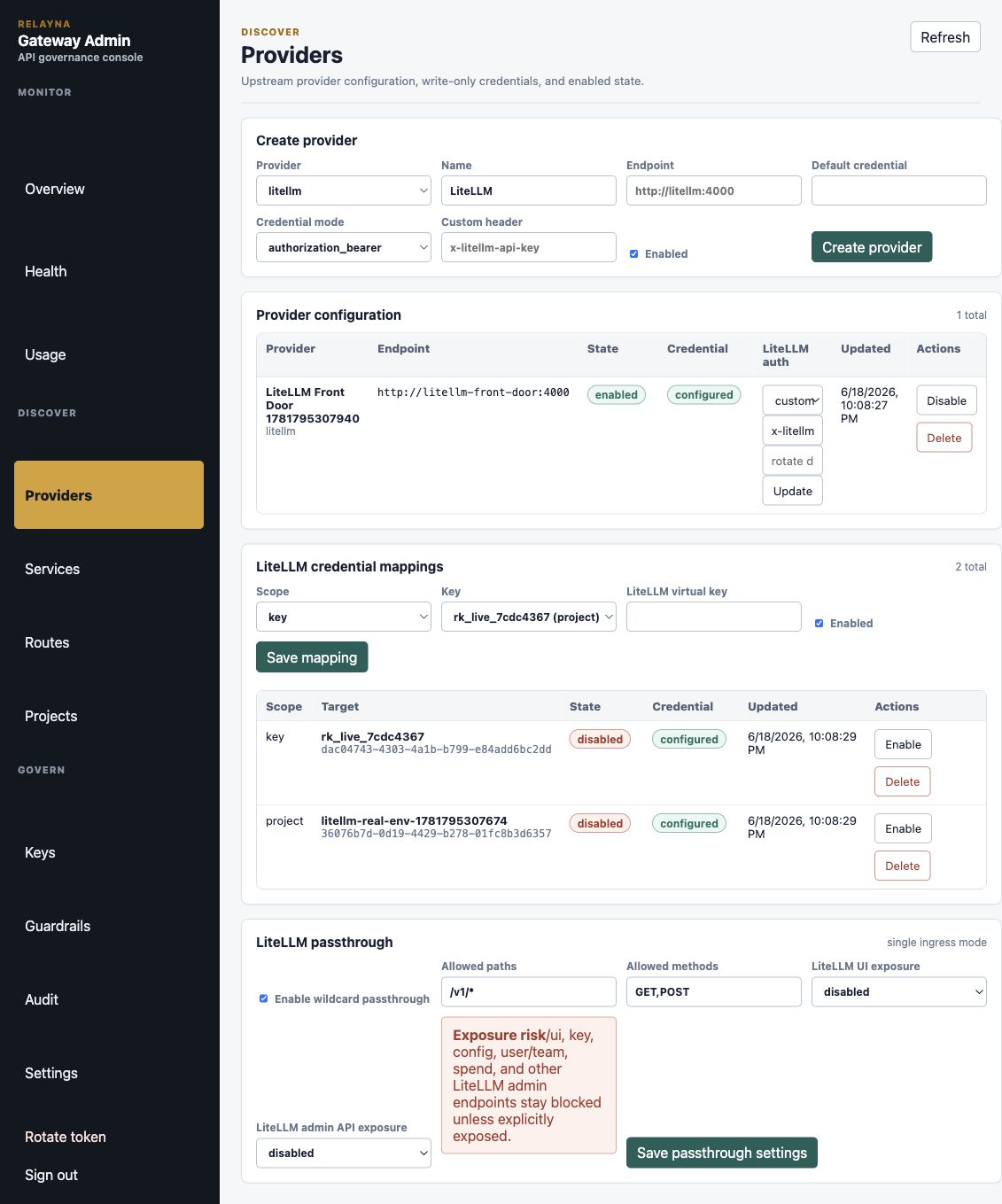
Recommended safe default when starting:
{
  "enabled": true,
  "allowed_paths": ["/v1/*"],
  "allowed_methods": ["GET", "POST"],
  "timeout_ms": 120000,
  "max_request_body_bytes": 1048576,
  "max_response_body_bytes": 1048576,
  "ui_exposure": "operator_only",
  "admin_api_exposure": "disabled"
}
Wildcard passthrough preserves path and query strings:
GET /v1/models?source=operator stays
GET /v1/models?source=operator at LiteLLM.
2) Canonical route mode options
Canonical route mode is controlled from Routes, not by wildcard settings:
| Route mode | Scope | Effect |
|---|---|---|
managed_by_gateway |
OpenAI and Anthropic route IDs | Full Gateway policy path: full validation, route/model/provider allowlists, budgets/rate limits, guardrails, and standard accounting. |
direct_litellm_passthrough |
OpenAI and Anthropic route IDs | Relayna auth and policy gates remain, but request is forwarded directly to LiteLLM with credential translation and without guardrail rewriting/token accounting. |
Canonical non-matching routes still honor route-mode behavior exactly as before.
Each canonical route also has timeout_ms, max_request_body_bytes, and
max_response_body_bytes settings on the Routes page. These defaults are
120000 ms, 1048576 bytes, and 1048576 bytes. Raise
max_request_body_bytes for long Codex harness context on /v1/responses, and
use virtual-key or policy-layer max_request_body_bytes /
max_response_body_bytes when a specific key should remain stricter than the
route default.
3) Sensitive exposure options
allowed_paths matching these groups are sensitive and need explicit mode
selection:
/ui,/ui/*/key,/key/*,/keys,/keys/*/user,/user/*/team,/team/*/api,/api/*/audit,/audit/*/config,/config/*/config_overrides,/config_overrides/*/credentials,/credentials/*/files,/files/*/guardrails,/guardrails/*/health,/health/*/mcp,/mcp/*,/mcp-rest,/mcp-rest/*/model_hub,/model_hub/*,/model_hub_table,/model_hub_table/*/prompts,/prompts/*/provider,/provider/*/spend,/spend/*/global,/global/*/budget,/budget/*/customer,/customer/*/organization,/organization/*/utils,/utils/*/v2,/v2/*
Exposure semantics:
| Mode | ui_exposure behavior |
admin_api_exposure behavior |
|---|---|---|
disabled |
No /ui access. |
No admin-like access. |
operator_only |
Requires Entra/Apigee identity context plus Relayna virtual-key auth for /ui and LiteLLM sensitive paths. |
Requires Entra/Apigee identity context plus Relayna virtual-key auth for admin-like paths when allowlist methods/path are met. |
explicitly_exposed |
Allows /ui for authenticated Relayna virtual-key callers when allowlist methods/path are met. |
Allows admin-like paths for authenticated Relayna virtual-key callers when allowlist methods/path are met. |
trusted_ingress |
Lets trusted ingress deliver browser-safe /ui and support endpoints without Relayna credentials (for example /ui, /models, /user/info, /login, /logout, /get_image, /litellm/.well-known/litellm-ui-config). |
Not a valid admin_api_exposure value. Trusted-ingress admin/dashboard API passthrough is allowed only when ui_exposure is trusted_ingress, admin_api_exposure is explicitly_exposed, passthrough is enabled, and the method/path allowlists match. |
trusted_ingress should be used only when the network ingress is known, trusted,
and already constrains browser-facing access patterns.
4) Two browser access patterns
Option A: operator-authenticated UI proxy
For operator-only flows, route browsers through the operator proxy path:
- Keep
ui_exposureatoperator_onlyordisableddepending on whether you want passthrough only, or operator-only browser-safe exposure. /admin-ui/litellm-ui/...remains available to operators with a valid operator token even whenui_exposureisdisabled.- Use
GET /admin-ui/litellm-ui/...in browser address bar. - This path always requires a valid operator token in
Authorizationheaders.
Unauthenticated LiteLLM UI call through this path is rejected; authenticated calls receive LiteLLM with Gateway-injected credentials.

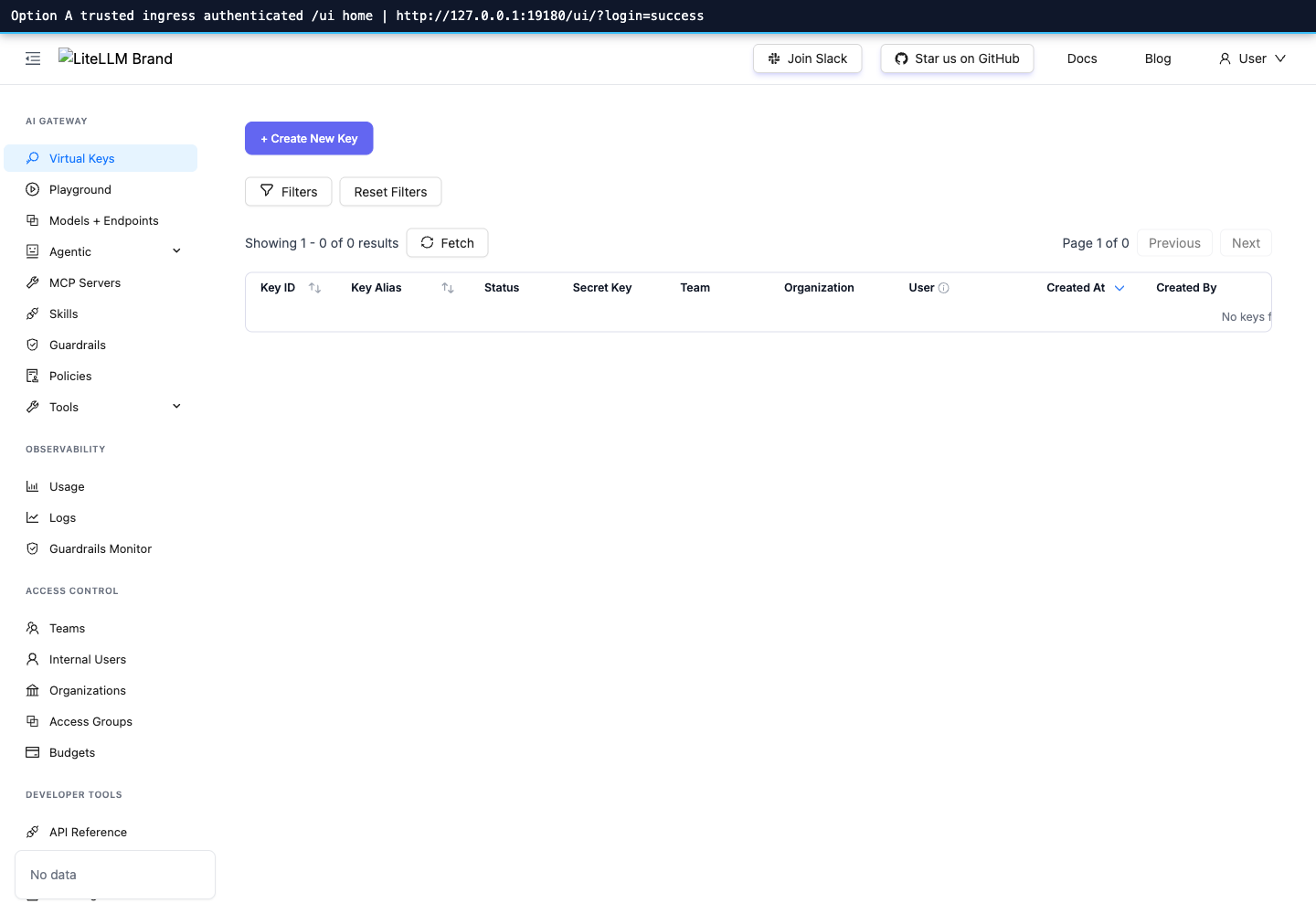
Option B: trusted-ingress passthrough
For AKS ingress / WAF flows that already authenticate browser users:
- Set
ui_exposuretotrusted_ingress. - Keep
admin_api_exposureatdisabledunless those endpoints are intentionally exposed. If the LiteLLM dashboard must call admin-like API paths directly, setadmin_api_exposuretoexplicitly_exposedand keep the allowlist narrow. - Retain
allowed_methodsfor the exact UI methods your ingress sends.
With trusted_ingress, LiteLLM /ui and its support endpoints can be opened to
the trusted browser ingress without Relayna headers, while normal non-UI
wildcard paths still require normal Relayna proxy auth behavior.



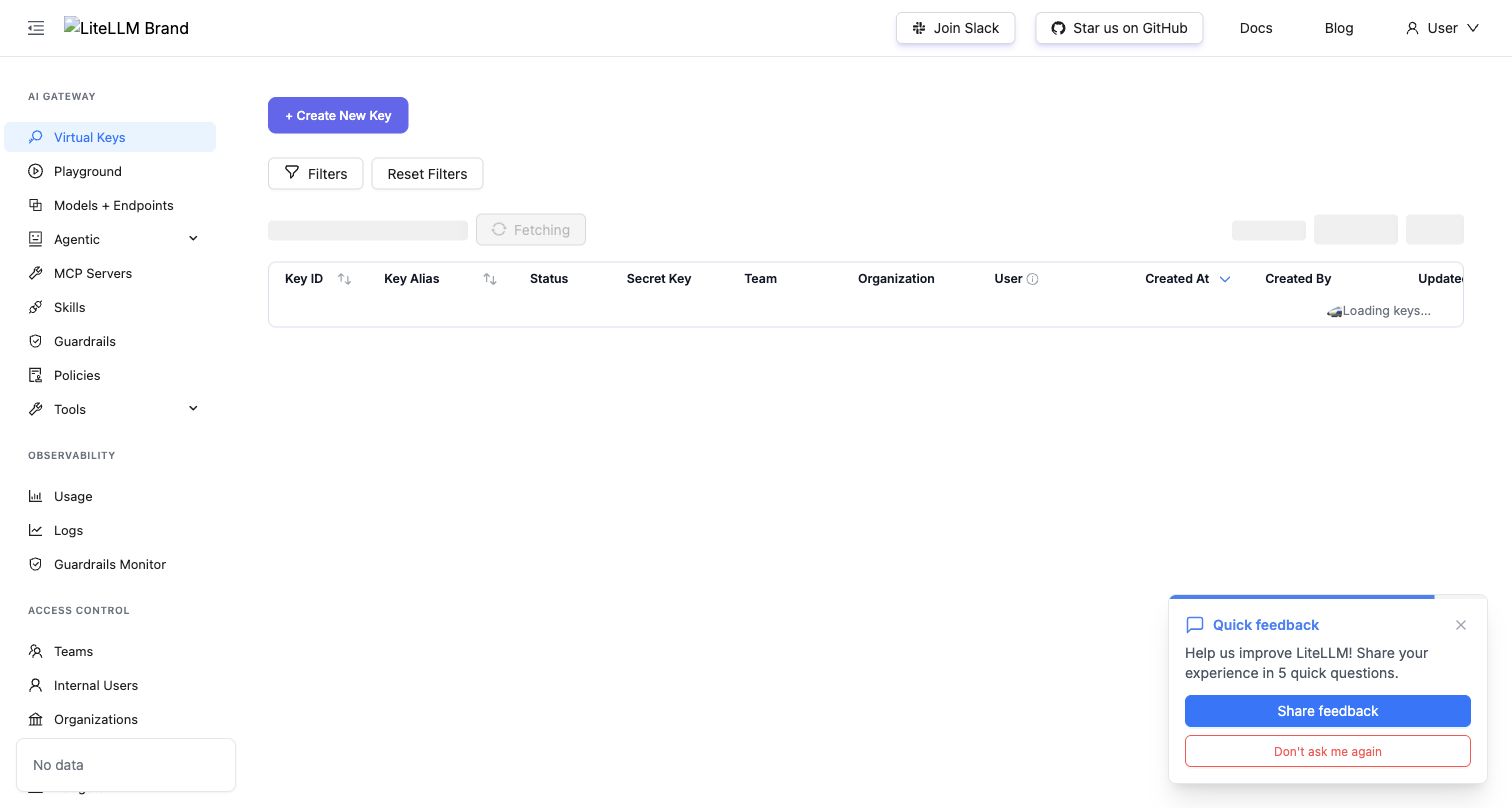
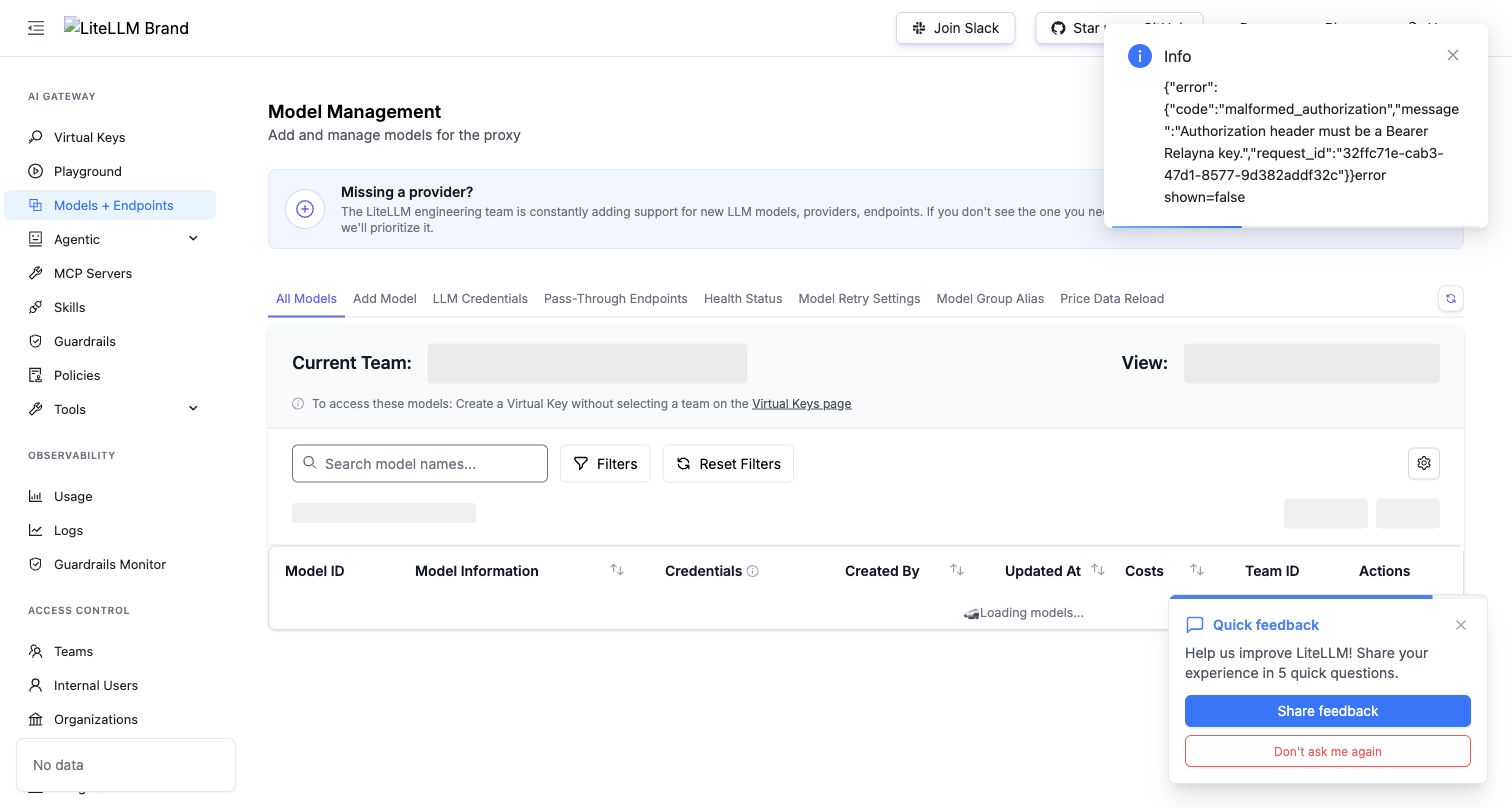
If the trusted ingress allows sessionless browser transitions, the final UI state and models listing should look like this:
Admin API
Read settings:
curl -sS \
  -H "Authorization: Bearer $GATEWAY_OPERATOR_TOKEN" \
  http://127.0.0.1:8081/admin-ui/admin/providers/litellm-passthrough
Enable /v1/* wildcard passthrough:
curl -sS -X PATCH \
  -H "Authorization: Bearer $GATEWAY_OPERATOR_TOKEN" \
  -H "Content-Type: application/json" \
  --data '{
    "enabled": true,
    "allowed_paths": ["/v1/*"],
    "allowed_methods": ["GET", "POST"],
    "timeout_ms": 120000,
    "max_request_body_bytes": 8388608,
    "max_response_body_bytes": 4194304,
    "ui_exposure": "disabled",
    "admin_api_exposure": "disabled"
  }' \
  http://127.0.0.1:8081/admin-ui/admin/providers/litellm-passthrough
Set a canonical route to direct LiteLLM passthrough:
curl -sS -X PATCH \
  -H "Authorization: Bearer $GATEWAY_OPERATOR_TOKEN" \
  -H "Content-Type: application/json" \
  --data '{
    "mode":"direct_litellm_passthrough",
    "timeout_ms":240000,
    "max_request_body_bytes":8388608,
    "max_response_body_bytes":4194304
  }' \
  http://127.0.0.1:8081/admin-ui/admin/openai-routes/responses/config
Return it to managed mode:
curl -sS -X PATCH \
  -H "Authorization: Bearer $GATEWAY_OPERATOR_TOKEN" \
  -H "Content-Type: application/json" \
  --data '{"mode":"managed_by_gateway"}' \
  http://127.0.0.1:8081/admin-ui/admin/openai-routes/responses/config
All mutating calls require operator auth and write audit events.
Verification
Focused local checks:
cargo test -p gateway-core route_settings --all-features
cargo test -p gateway-proxy passthrough --all-features
Real LiteLLM harness:
bash internal/test-reports/litellm-real-passthrough/run.sh
That harness starts PostgreSQL, Redis, Gateway, a real litellm/litellm
container, and the mock upstream provider behind LiteLLM. Gateway connects
directly to LiteLLM, matching production topology. It verifies canonical
managed and direct modes, Anthropic /v1/messages direct passthrough, wildcard
/v1/models passthrough, /ui default blocking, credential stripping at the
downstream mock provider, custom LiteLLM header injection against real LiteLLM,
direct LiteLLM bearer delegation, and trusted-ingress dashboard/admin
passthrough.